

In Japanese, we have a word, “yōryō,” that means both “the main points” and “a knack for handling things well.” Here, I mean the second: a smart way of getting things done.
If you standardize the size of your product images, things get much easier later on.
It will differ depending on your environment, so use this as a reference for making your own rules.
Square as standard, so they work in all kinds of proposals
You could just snap a photo of a product and use it as it is,
but when you use it in Excel, Word or on a website, you have to crop out unwanted space or adjust it for each format.
So decide on a size with a fixed ratio from the start.
A square of 1000 px wide and 1000 px high should work for most basic uses.
And if you also save a PNG version, which can have a transparent background, you can use it on websites too.
Even if the background changes, only the product stands out clearly…
Let’s try it with an example.
Prepare your product photos
I’ll skip how to use Photoshop or other image editing software.
I made a JPG with a white background and a PNG with a transparent background.
To make it easy to see, I’ve put them on a blue box.
The left is the PNG (transparent background), and the right is the JPG.


Since you can use them in different ways like this, an efficient approach is to save all your images as PNG first, then convert them to JPG in bulk with free software.
The transparent image on the left looks better, doesn’t it?
If you make them at 1000 px, you can also shrink them all at once, say to 150 px.
Make a copy of your PNG product image folder and convert everything in it to JPG, and you’re done.
For bulk resizing, I find this software easy to use:
I use a free Japanese tool called Shukusen (“resize only”), which resizes many images to several sizes at once: mrsz.tsukuenoue.com. Any batch image resizer will do.
It can even crop automatically. Once you get the hang of it, it’s really handy free software!
Show large and small products within the same pixel size
If you show the product size within the same pixel dimensions, you save the trouble of shrinking each image product by product.
For example, when making a proposal in Excel.
Say you try to show grapes of different sizes with images alone, without thinking about their size.
(I colored the Excel background to make the editing easy to see.)

This way, you have to enlarge or shrink each image for every product size.
But if you make the images with the product at different sizes within the same pixel dimensions,

you can show the sense of size just by pasting them in.
It’s best to name files after product numbers or JAN codes
Once you’ve edited your product images, naming the files after product numbers or JAN codes (EAN codes) makes them more useful later.
Don’t use Japanese characters; stick to half-width letters and numbers.
If you name everything after product numbers,
even when a customer asks, “We’d like images with JAN codes as the file names,”
there are ways to rename files in bulk.
So it’s best to standardize the rule across your company and decide what to name the files.
Standardize your rules, cut out extra work and save time
A little ingenuity can save a lot of time.
If you have hundreds of these images, building a program in VBA that pastes images automatically would make creating proposals really easy.
Use this as a hint for making your own rules!
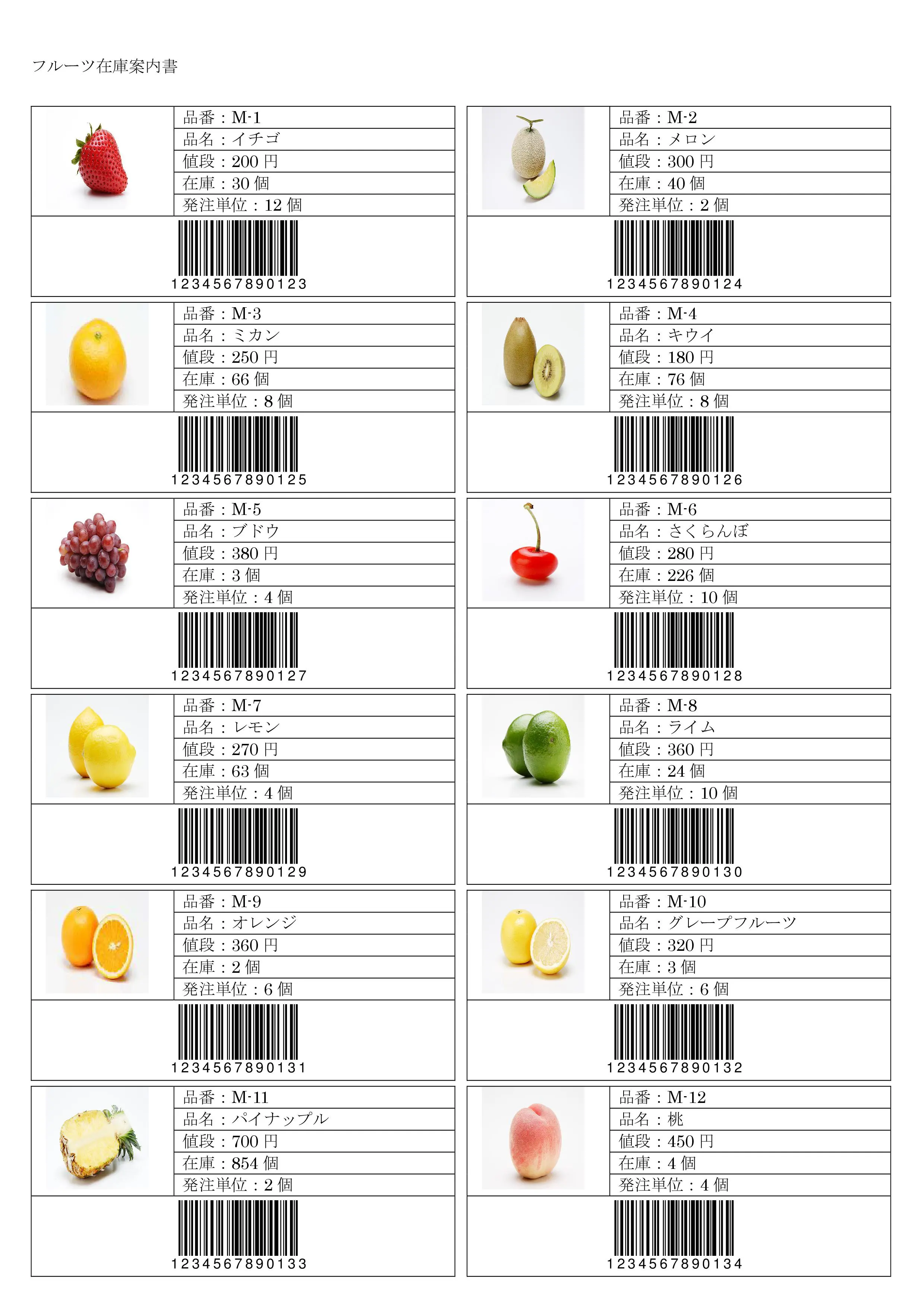
I also wrote about putting a different product image into each label automatically with Word’s mail merge:
☕ Enjoyed this post?
I'm a Japanese blogger who spent 8 years relearning English from scratch.
If this post helped you, a coffee would mean a lot — thank you for reading!





Leave a Reply